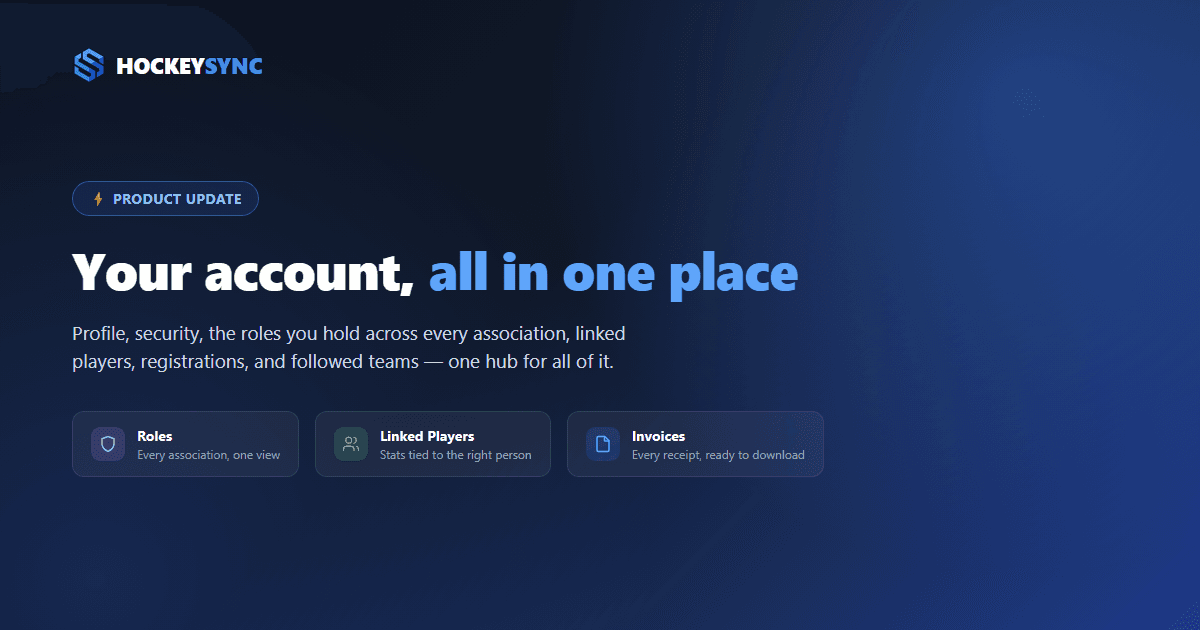
If you've used HockeySync as a player, a parent, or an association admin, chances are your account information used to be scattered—a profile page here, a registration receipt buried in an email there, no single place to see every league you're involved with. That changes today with a proper Account hub, available at hockeysync.com/account.
One Sidebar, Everything About You
The new Account hub organizes everything tied to your HockeySync identity into six tabs: Profile, Security, Roles, Linked Players, Registrations & Invoices, and Followed Teams. It replaces the old, more limited user page, and it's the same hub whether you're a fan following one team or an admin running several associations.
Profile and Security
Profile is where you update your name, profile picture, and preferred language—switch to French and the entire site, including notifications, follows.
Security covers your password. If you signed up with Google, this tab tells you so and points you to your Google account instead of showing a password form that wouldn't apply to you. It's also where you'll find the option to permanently delete your account, clearly separated in its own danger zone.
New: See Every Role You Hold, at a Glance
The Roles tab is new. If you're a scorekeeper for one association, an admin for another, and a super admin for a third, there was previously no single screen that told you that. Now there is.
Every association you're part of shows up in a list with its logo, its name, and a badge for the role you hold there—Super Admin, Admin, Scorekeeper, Referee, Staff, Team Captain, or Player. Click through and you land directly on that association's dashboard.
Roles
Associations you have a role in.
It's especially useful if you help run more than one association or league. Instead of hunting through old invite emails or asking someone else to check, your account tells you exactly where you have access and what you can do there.
Linked Players, Registrations, and Followed Teams
The remaining three tabs cover the fan and parent side of an account:
- Linked Players connects real player profiles to your account, so stats and bios stay tied to the right person—useful for parents managing more than one kid's registration.
- Registrations & Invoices is a running history of every form you've submitted and every payment you've made, with PDF invoices you can download any time—no more digging through email for a receipt.
- Followed Teams lists every team you follow, with per-team toggles for game preview and recap notifications, and a one-click way to unfollow.
Why This Matters
A hockey season pulls people in a lot of directions—registering a kid for one league, scorekeeping for another, following a favorite team, helping run an association's back office. The Account hub exists so all of that lives in one place instead of being reconstructed from memory every time you need it.
The Account hub is live now for every HockeySync user—just sign in and visit /account.
Get Started
Not on HockeySync yet? Sign up free and get one place for your profile, your roles, and everyone you play, coach, or cheer for.