Every August the league office answers the same email forty times. When does the season start? How much is it? Where's the form? Is the arena the one on the highway or the one downtown? The answers exist—in a PDF from last year, a Facebook post, and a reply-all thread—just nowhere a player would think to look.
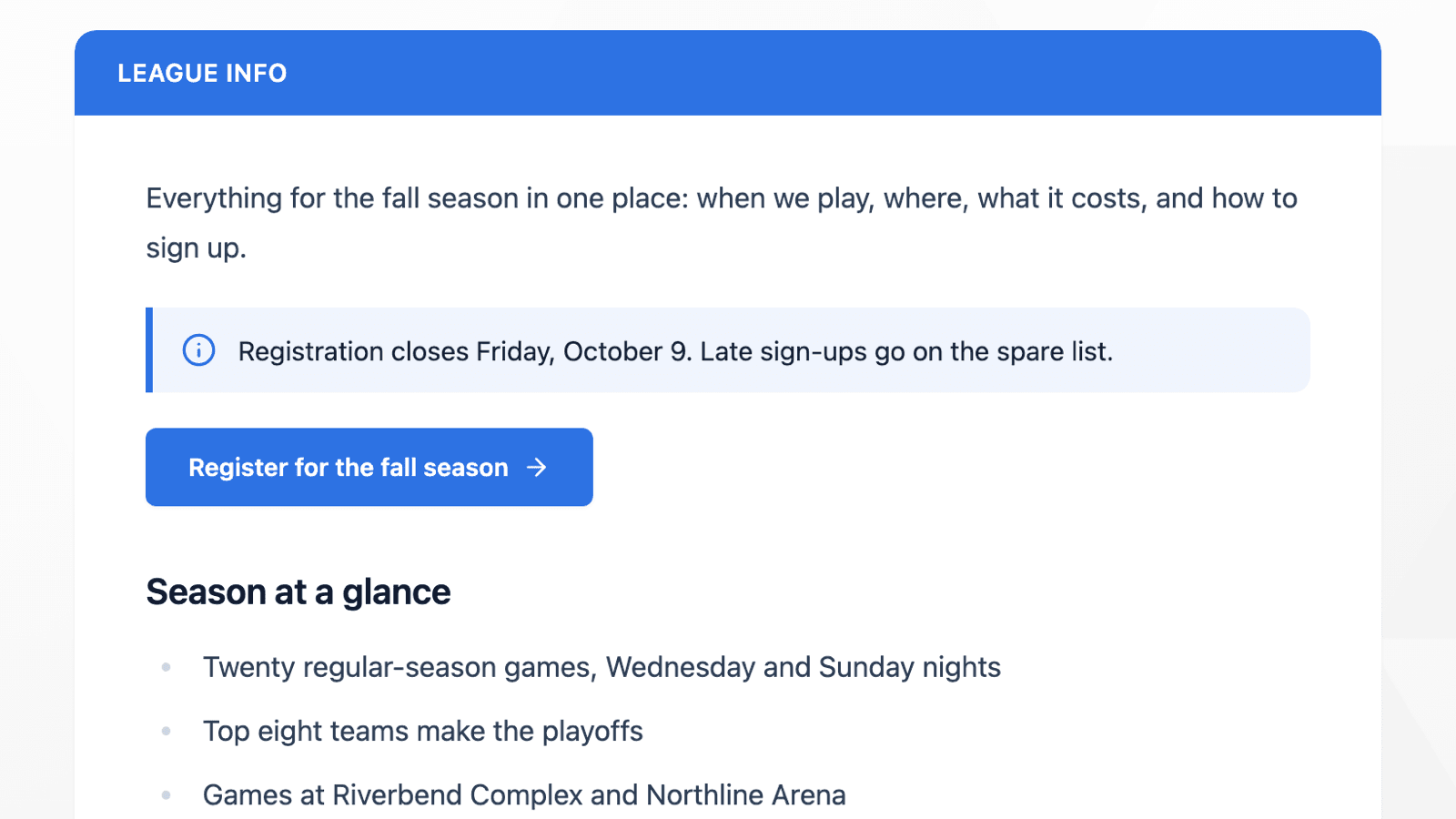
Custom league pages put those answers where players already go: the league itself. An association can add as many pages as it needs to each of its leagues—Rules, Registration, Fees, Arenas, Code of Conduct—and each one appears in that league's More menu, next to Standings and Schedule.
Write It Like a Document
Pages are written in a block editor. You type, press / to insert a block, drag blocks to reorder them, and drop files straight onto the page. What you can put on a page:
- Text: three levels of heading, bulleted and numbered lists, checklists, collapsible lists, quotes and dividers.
- Tables, for a fee schedule or a list of game times.
- Images and files. Upload a photo or attach the rulebook PDF.
- Video from a YouTube or Vimeo link.
- Callouts in four tones—info, warning, success and important—for a deadline nobody should miss.
- Buttons that link to a web page, an email address or a phone number. The button can also be pointed at one of your registration forms, picked from a list, so there's no URL to copy.
- Maps of one of your saved arenas or any address, with a link to open it in Google Maps.
If you close the editor with unsaved changes, it asks before throwing them away. The editor and the published page both work on a phone.
Live League Tiles
A page doesn't have to be static. Five blocks pull live data from the league's current season: Standings, Upcoming Games, Recent Scores, Point Leaders and Sponsors. Drop standings under the playoff format on a Rules page, or upcoming games at the bottom of a welcome page, and they stay current without anyone touching the page again.
The editor shows each block exactly as it will look when published, so the standings tile you place is the real standings.
Pages That Look Like the League
A published page sits in a single card under a title bar in your association's colour, carrying the page's name. Links in the text are styled to read as links. Page names appear in the More menu exactly as you typed them—“Règlements” stays “Règlements” instead of being forced into capitals.
Each page gets its own address, like /leagues/your-league/p/rules. The address comes from the page's name when you create it, and it doesn't change if you rename the page later, so a link already printed on a poster or sent in an email keeps working.
Members-Only Pages
Some information is for members only: a phone tree, a volunteer schedule, a board's minutes. Any page can be given an access code. Visitors see the page's name in the menu, but the content stays behind a code prompt until they enter it. Once they have, it stays unlocked on that device for 30 days, so members aren't retyping it every visit.
Changing or setting a code signs everyone out of that page. Admins are never asked for it.
Public pages with content are listed for search engines, with a description taken from the page's own text. Protected pages are kept out of search results, and so are unpublished pages, which visitors can't open at all.
Where to Find It
In your association dashboard, open Navigation. Each league has its own card. Type a name under New page and add it. From there you can rename a page, reorder pages with the arrows, publish or hide a page with the Published switch, set an access code, or delete a page. The card also shows the page's address and flags pages that are still empty or protected.
The content itself is edited on the page. Open it from the league's More menu, or with the open button in Navigation, and press Edit page. New pages start unpublished, so you can write the whole thing before anyone sees it.
Available Now
Custom league pages are available to every HockeySync association, for every league, in English and in French. Nothing to switch on—open Navigation and add your first page.
Not using HockeySync yet? Sign up free and give your league's answers a home.